AI with Python: A Complete Beginner's Guide for 2026
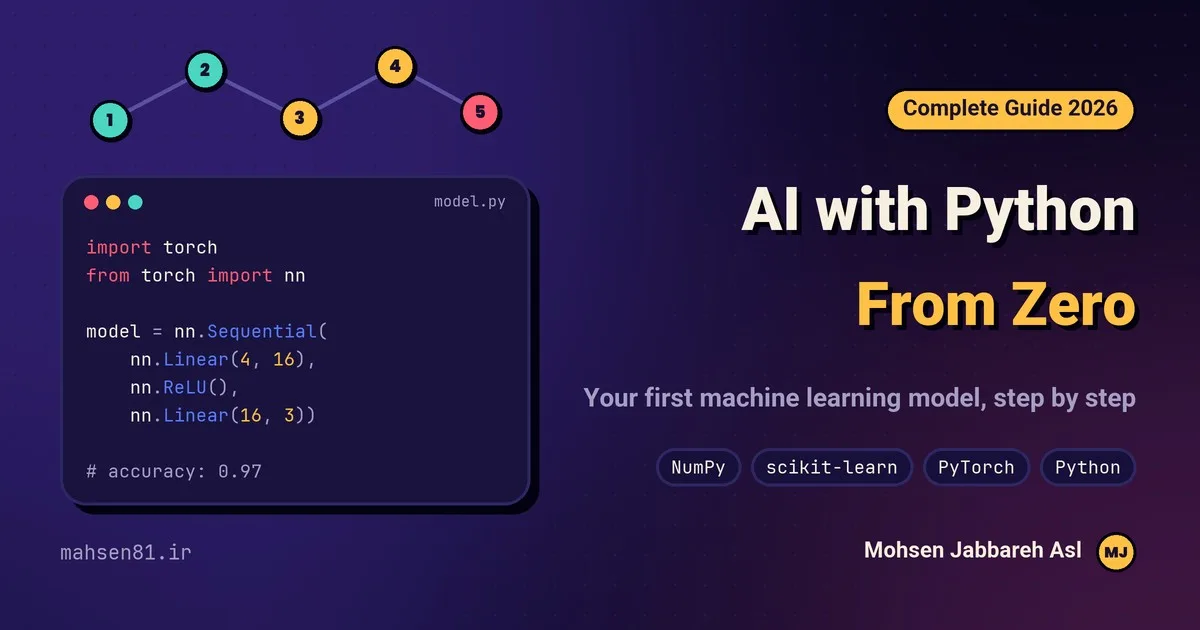
If you have become curious about AI with Python, you are in good company. Almost every serious machine learning and deep learning project today, from chatbots to image recognition systems, is written in Python. In this guide we will see step by step why Python is the best place to start with artificial intelligence, which tools you need, how to plan your learning, and how to build your first working machine learning model in less than an hour.
I wrote this guide from 17 years of experience in programming and building software, including AI projects for real businesses. It is meant both for beginners and for business owners who want to understand what AI can actually do for them.
AI, machine learning and deep learning: what is the difference?
These three terms are often used as if they meant the same thing, but they do not:
- Artificial intelligence (AI): any system that performs a task that normally needs human intelligence, such as understanding language, recognising images or making decisions.
- Machine learning (ML): a branch of AI where, instead of writing rules by hand, we give the computer data and let it learn the patterns itself.
- Deep learning: a branch of machine learning that uses multi-layer neural networks. It powers most recent breakthroughs, such as large language models and image generation.
Python is the main language at all three levels, so learning it opens the door to every one of these fields.
Why Python is the number one language for AI
Other languages can be used for AI too, but Python leads for several reasons:
- Simple and readable: Python code reads almost like English, so you focus on the problem instead of the language.
- Ready-made libraries: for nearly every task, from handling data to building neural networks, there is a free, well-documented and popular library.
- A huge community: whatever error you hit, someone has probably already answered it, and tutorials and courses are everywhere.
- Fast enough: the heavy parts of the libraries are written in C and C++ and can run on graphics cards (GPUs), so Python's simplicity does not cost you speed.
- From experiment to product: a model you built in a Jupyter Notebook can become a real web service with frameworks such as FastAPI.
Essential Python libraries for AI
You do not need to learn them all at once. This table shows what each library does and when you will need it:
| Library | What it is for | When to learn it |
|---|---|---|
| NumPy | Numerical computing with arrays and matrices | From day one; everything else is built on it |
| Pandas | Loading, cleaning and analysing table-like data (Excel, CSV) | Whenever you work with real data |
| Matplotlib and Seaborn | Charts that help you see patterns in data | Before modelling, to understand the data |
| scikit-learn | Classic machine learning: classification, regression, clustering | Your first machine learning projects |
| PyTorch | Building and training neural networks | After the basics are solid |
| TensorFlow and Keras | An alternative to PyTorch with good deployment tools | If your project or team already uses it |
| Hugging Face Transformers | Ready-made language and vision models | Natural language processing and LLM projects |
A roadmap for learning AI with Python
The biggest beginner mistake is jumping straight to neural networks. I recommend this path instead:
- Python basics (2-4 weeks): variables, conditions, loops, functions, lists and dictionaries, working with files.
- Working with data (2-3 weeks): learn NumPy and Pandas and draw charts with Matplotlib. Most of a real project's time goes into preparing data.
- Just enough maths: basic statistics, probability, linear algebra (vectors and matrices) and derivatives. An intuitive understanding is enough to start.
- Classic machine learning (4-6 weeks): build regression, decision tree and random forest models with scikit-learn and learn how to evaluate them.
- Deep learning (week 6 onwards): practise neural networks, convolutional networks for images and transformers for text with PyTorch.
- A real project: pick a real problem and take it all the way from collecting data to deploying the model. Nothing replaces this experience.
These timings assume an hour or two a day. Consistency matters more than speed: write a little code every day.
Setting up your environment
First install the latest Python from the official Python website. Then create a virtual environment, so each project keeps its own libraries, and install what you need:
python -m venv ai-env
# Windows:
ai-env\Scripts\activate
# macOS / Linux:
source ai-env/bin/activate

pip install numpy pandas matplotlib scikit-learn jupyter
pip install torch
Jupyter Notebook or VS Code with the Python extension are both great for writing and testing code. If your computer is not powerful, Google Colab gives you a free online environment with GPU access.
Your first project: a machine learning model with scikit-learn
Let's build a real model. We will use the famous Iris dataset that ships with scikit-learn. Each sample holds four measurements of a flower, and the model must tell which of three species it belongs to:
from sklearn.datasets import load_iris
from sklearn.model_selection import train_test_split
from sklearn.ensemble import RandomForestClassifier
from sklearn.metrics import accuracy_score

# 1. load the data
X, y = load_iris(return_X_y=True)

# 2. keep 20% of the data aside for testing
X_train, X_test, y_train, y_test = train_test_split(
    X, y, test_size=0.2, random_state=42, stratify=y
)

# 3. train the model
model = RandomForestClassifier(n_estimators=100, random_state=42)
model.fit(X_train, y_train)

# 4. evaluate on data the model has never seen
pred = model.predict(X_test)
print(f"accuracy: {accuracy_score(y_test, pred):.2%}")
These four steps, load the data, split it into training and test sets, train, and evaluate, are the skeleton of almost every machine learning project. Always evaluate on data the model did not see during training; otherwise the accuracy you report is misleading.
The scikit-learn documentation is full of ready examples and is an excellent next step.
Next step: a simple neural network with PyTorch
Now let's solve the same problem with a small neural network, to get familiar with how deep learning code is structured. This code continues the previous example and uses the same training data:
import torch
from torch import nn

model = nn.Sequential(
    nn.Linear(4, 16),   # 4 inputs: the flower measurements
    nn.ReLU(),
    nn.Linear(16, 3),   # 3 outputs: one score per species
)
loss_fn = nn.CrossEntropyLoss()
optimizer = torch.optim.Adam(model.parameters(), lr=0.01)

X = torch.tensor(X_train, dtype=torch.float32)
y = torch.tensor(y_train)

for epoch in range(200):
    optimizer.zero_grad()
    loss = loss_fn(model(X), y)
    loss.backward()      # compute gradients
    optimizer.step()     # update the weights

with torch.no_grad():
    test_pred = model(torch.tensor(X_test, dtype=torch.float32)).argmax(dim=1)
    print(f"accuracy: {(test_pred.numpy() == y_test).mean():.2%}")
In every training round the network makes a prediction, its error (loss) is measured, and the weights move slightly in the direction that reduces the error. This simple loop, with far more data and layers, is the foundation of the large models we know today. To go deeper, do not miss the official PyTorch tutorials.
Real-world uses of AI in business
AI is not just a research topic; it already earns money for small and large businesses. A few examples you can build with Python:
- Chatbots and smart support: automatic answers to customers' repeated questions on your website or messaging apps, based on your own business information.
- Sales and inventory forecasting: estimating the coming weeks' sales so stock neither runs out nor piles up.
- Recommendation systems: showing each shopper related products, like “customers who bought this also bought…”.
- Image processing: checking product quality on a production line, reading licence plates or sorting photos automatically.
- Text and review analysis: finding out whether customer reviews are positive or negative and spotting recurring problems.
- SEO and content: clustering keywords, analysing competitors and finding topics people search for.
If you want to add one of these features to your website or business software, get in touch with me. You can also take a look at my portfolio.
Common mistakes when starting with AI
- Watching tutorials without coding: you only learn by writing code and fixing your own errors.
- Starting with complex models: get results with simple models first. A simple, understandable model sometimes beats a big neural network.
- Ignoring data quality: a model is only as good as its data. Incomplete or wrong data gives wrong results.
- Evaluating on training data: high accuracy on data the model has already seen proves nothing.
- Fear of maths: intuition is enough to begin, and you can learn the maths along the way.
Frequently asked questions
Do I need strong maths to learn AI with Python?
Not to get started. With high-school maths and libraries such as scikit-learn you can build useful models. As you go further, statistics and linear algebra help you understand things more deeply.
How long does it take to learn AI with Python?
With an hour or two of practice a day, most people can handle classic machine learning projects on their own within three to four months. Mastering deep learning takes longer and depends on practising with real projects.
Should I learn PyTorch or TensorFlow?
Both are excellent. PyTorch is more popular in research and teaching and feels more natural to write, so I recommend it to start. The concepts are the same in both, and switching later is not hard.
Can I work without a powerful graphics card?
Yes. Classic machine learning runs on any laptop, and for deep learning you can use free services such as Google Colab.
Conclusion
AI with Python is today the most accessible way into one of the most important technologies in the world. Learn the Python basics, work with data in NumPy and Pandas, build your first models with scikit-learn and then move on to PyTorch, and you will have a clear, practical path ahead. Run the code above today: your first machine learning model is only a few lines away.
If you are new to coding, start with my guide on how to learn programming from scratch. If you have questions or need help with an AI project for your business, send me a message through the contact form, and read more in the blog.